> ## Documentation Index
> Fetch the complete documentation index at: https://docs.2501.ai/llms.txt
> Use this file to discover all available pages before exploring further.
# Job Schedules
> Recurring jobs that fan out into a fresh Job each tick
A **Job Schedule** registers a recurring cadence. When a ticket asks for work on a repeating schedule — *"check disk space every Monday at 09:00"*, *"every 15 minutes"* — 2501 doesn't run the job once; it registers a schedule. Each tick spawns a fresh [Job](/0.11/core-concepts/jobs) that follows the normal lifecycle.
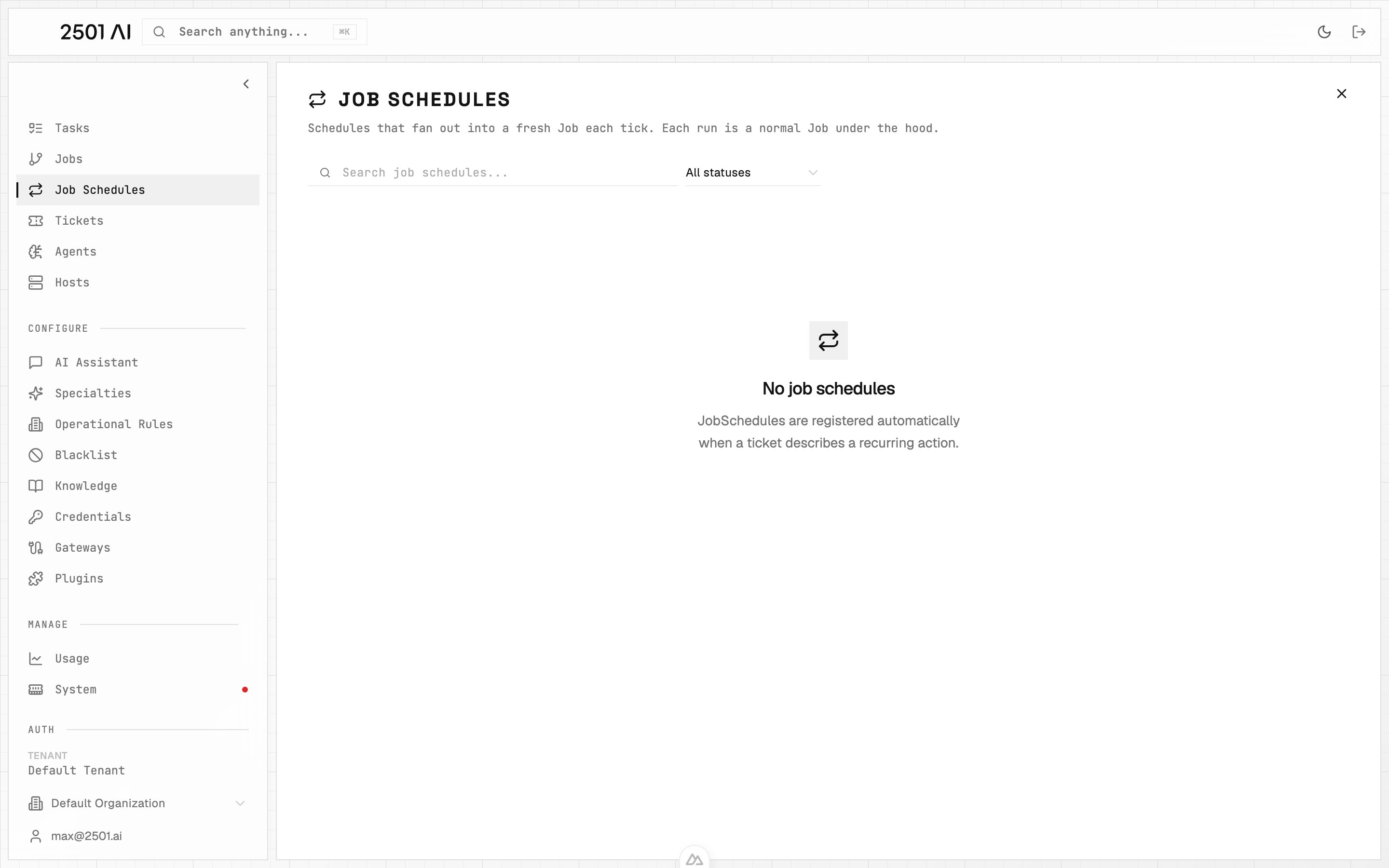
Schedules are managed under **Job Schedules** in Command Center.
 ## How a schedule is created
Schedules are **registered automatically** when an incoming ticket describes a recurring action. The gateway detects the cadence in the ticket text and creates the schedule instead of a one-off job.
You don't create schedules manually in Command Center. The action of "make this recurring" comes from the ticket itself — usually a comment or a description like *"run this every Monday morning"*.
## What you see for each schedule
| Field | What it shows |
| ----------------- | ---------------------------------------------------------------------------- |
| **Cadence** | The interpreted schedule (e.g. *"weekly, Mondays at 09:00 UTC"*) |
| **Source ticket** | The original ITSM record that introduced the schedule |
| **Next run** | When the next Job will spawn |
| **Run history** | The Jobs that have fired from this schedule so far, each with its own status |
| **Status** | `active` or `cancelled` |
## Managing a schedule
* **Pause / stop** a schedule from its detail page. Stopping it cancels future ticks but does not affect Jobs already in flight.
* **Re-activate** is not currently surfaced — to "restart" a schedule, comment on the source ticket and let the gateway re-register.
* **Edit cadence** is also driven from the source ticket; comment on the ticket to change the schedule and the gateway will reinterpret.
## Interval flooring
Very fast intervals are **floored to 5 minutes in production**. Asking for "every minute" registers as "every 5 minutes". This protects the agent fleet from runaway schedules and matches what realistic remediation cadences look like. The adjustment is written into the schedule's own description, so a floored cadence is never applied silently.
## Cadences that can't be expressed exactly
The cadences a schedule can hold are a fixed set: daily, weekly on one day, monthly on one day of the month, every N minutes, every N hours, and hourly - each at a given time, optionally in a stated time zone.
A request that needs anything outside that set is **not registered at all**, rather than approximated to the closest cadence available. That covers:
* an hour-of-day window - *"every 30 minutes between 22:00 and 06:00"*
* a set of weekdays - *"every weekday at 07:30"*, since a weekly schedule holds a single day
* an Nth weekday of the month - *"the last Friday of each month at 18:00"*, since a monthly schedule takes a numeric day of the month
* a bounded recurrence - *"every 2 minutes for the next hour"*
Approximating any of these would register a schedule that fires at the wrong times, which is worse than registering none. If a cadence you asked for produced no schedule, restate it in the source ticket in a form the list above allows - for example, one weekly schedule per day rather than "every weekday".
## Time zones
The time zone named in the ticket is **normalized to a supported name** when the schedule is saved, so schedules using less common aliases (like `CET`) run and display correctly instead of failing silently.
## License interaction
Scheduled jobs count against the **same task cap** as ad-hoc jobs. The cap is a lifetime tenant total — see [Licensing](/0.11/configure/licensing).
If the tenant has reached its cap when a tick fires, that tick **skips** rather than queues. The schedule itself stays active; the next tick will try again once headroom exists.
## How a schedule is created
Schedules are **registered automatically** when an incoming ticket describes a recurring action. The gateway detects the cadence in the ticket text and creates the schedule instead of a one-off job.
You don't create schedules manually in Command Center. The action of "make this recurring" comes from the ticket itself — usually a comment or a description like *"run this every Monday morning"*.
## What you see for each schedule
| Field | What it shows |
| ----------------- | ---------------------------------------------------------------------------- |
| **Cadence** | The interpreted schedule (e.g. *"weekly, Mondays at 09:00 UTC"*) |
| **Source ticket** | The original ITSM record that introduced the schedule |
| **Next run** | When the next Job will spawn |
| **Run history** | The Jobs that have fired from this schedule so far, each with its own status |
| **Status** | `active` or `cancelled` |
## Managing a schedule
* **Pause / stop** a schedule from its detail page. Stopping it cancels future ticks but does not affect Jobs already in flight.
* **Re-activate** is not currently surfaced — to "restart" a schedule, comment on the source ticket and let the gateway re-register.
* **Edit cadence** is also driven from the source ticket; comment on the ticket to change the schedule and the gateway will reinterpret.
## Interval flooring
Very fast intervals are **floored to 5 minutes in production**. Asking for "every minute" registers as "every 5 minutes". This protects the agent fleet from runaway schedules and matches what realistic remediation cadences look like. The adjustment is written into the schedule's own description, so a floored cadence is never applied silently.
## Cadences that can't be expressed exactly
The cadences a schedule can hold are a fixed set: daily, weekly on one day, monthly on one day of the month, every N minutes, every N hours, and hourly - each at a given time, optionally in a stated time zone.
A request that needs anything outside that set is **not registered at all**, rather than approximated to the closest cadence available. That covers:
* an hour-of-day window - *"every 30 minutes between 22:00 and 06:00"*
* a set of weekdays - *"every weekday at 07:30"*, since a weekly schedule holds a single day
* an Nth weekday of the month - *"the last Friday of each month at 18:00"*, since a monthly schedule takes a numeric day of the month
* a bounded recurrence - *"every 2 minutes for the next hour"*
Approximating any of these would register a schedule that fires at the wrong times, which is worse than registering none. If a cadence you asked for produced no schedule, restate it in the source ticket in a form the list above allows - for example, one weekly schedule per day rather than "every weekday".
## Time zones
The time zone named in the ticket is **normalized to a supported name** when the schedule is saved, so schedules using less common aliases (like `CET`) run and display correctly instead of failing silently.
## License interaction
Scheduled jobs count against the **same task cap** as ad-hoc jobs. The cap is a lifetime tenant total — see [Licensing](/0.11/configure/licensing).
If the tenant has reached its cap when a tick fires, that tick **skips** rather than queues. The schedule itself stays active; the next tick will try again once headroom exists.