

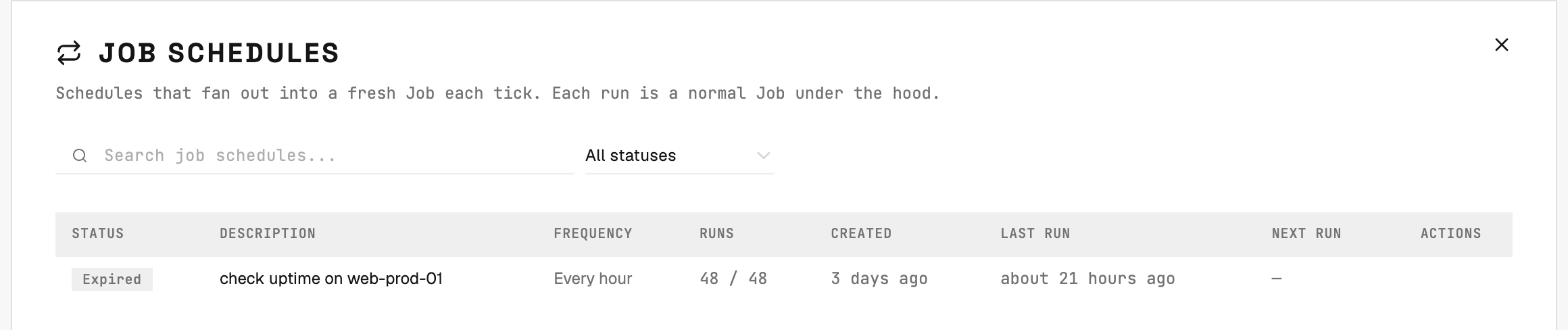
Job Schedules: each row is a cadence. Each tick fans out into a normal Job with all the usual orchestration and reporting.
How a schedule is created
Schedules are registered automatically when an incoming ticket describes a recurring action. The gateway detects the cadence in the ticket text and creates the schedule instead of a one-off job. You don’t create schedules manually in Command Center. The action of “make this recurring” comes from the ticket itself — usually a comment or a description like “run this every Monday morning”.What you see for each schedule
Managing a schedule
- Pause / stop a schedule from its detail page. Stopping it cancels future ticks but does not affect Jobs already in flight.
- Re-activate is not currently surfaced — to “restart” a schedule, comment on the source ticket and let the gateway re-register.
- Edit cadence is also driven from the source ticket; comment on the ticket to change the schedule and the gateway will reinterpret.