

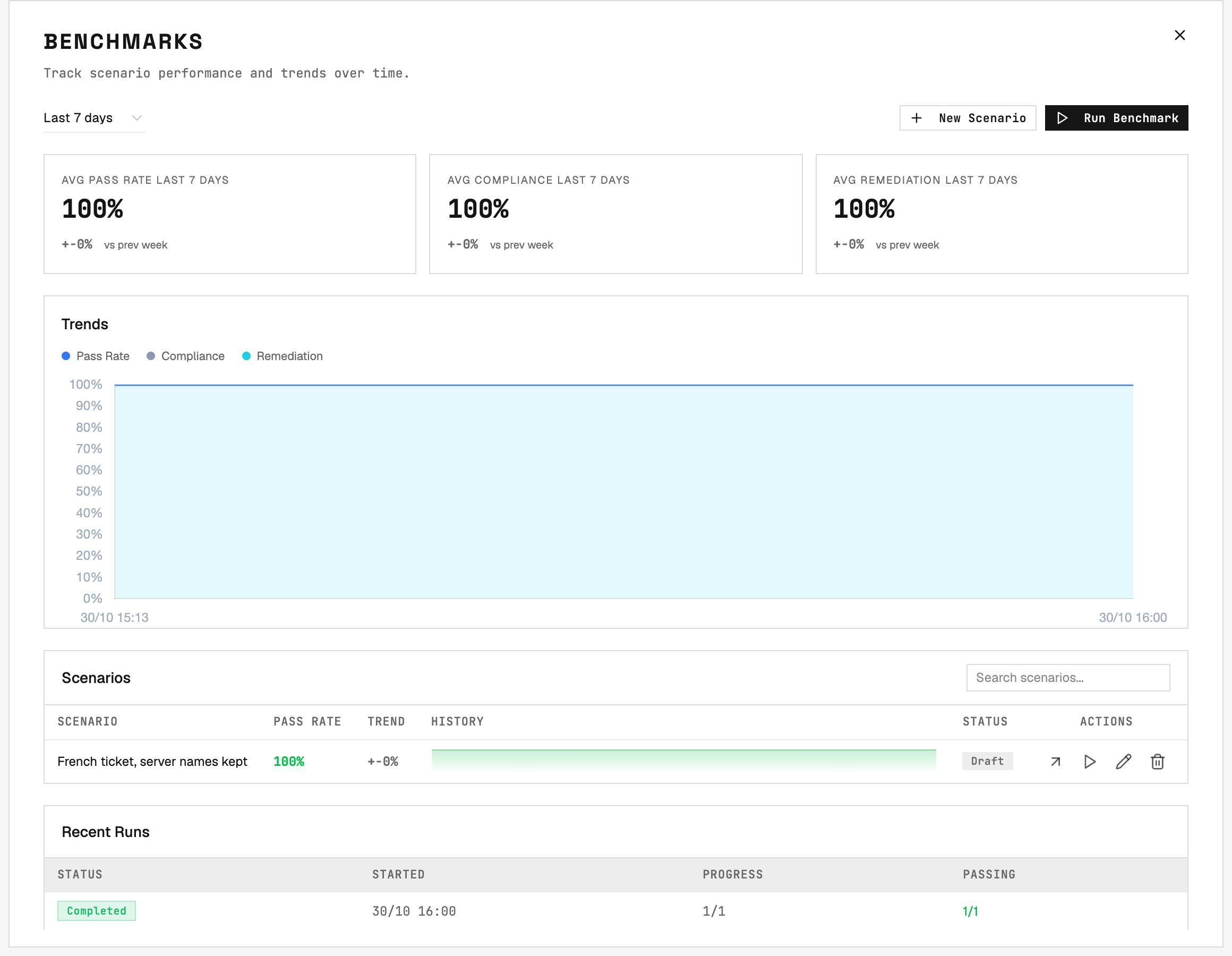
Benchmarks: every scenario's pass rate and trend over time.
Why benchmark
Validate new ticket types
Before letting a specialty handle a new kind of ticket, stage that failure on a test machine and watch how the agent handles it across many runs.
Catch regressions
A scenario that used to pass starts failing after a specialty, rule, or model change. The trend line shows it the same day.
Compare models
Run the same scenarios with a different main engine. The scores tell you which model behaves better, not just which is faster.
Prove compliance
Every run keeps a record: the commands the agent ran, the operational rules it was given, and which of your rules passed.
The two concepts
A scenario targets real hosts and agents from your organization. There are no special benchmark machines: any host with an agent can be a target, so pick hosts you can afford to break.
How a scenario runs
- Target Setup runs your setup commands in order. If one fails, no ticket is sent, the run ends in Error, and restore still runs.
- Flush clears the evaluated agents’ memory, so an earlier run cannot leak into this one.
- Dispatch files the ticket. With the Runner gateway, the ticket is created inside 2501. With ServiceNow, a real incident is created on your instance and 2501 waits up to 10 minutes for the gateway to pick it up.
- The agent works the ticket exactly as it would a real one. The run waits up to 45 minutes for the job to end.
- Collect and Evaluate gather what happened and apply the validation rules, including commands on the host to check its final state.
- Target Restore runs your restore commands. It runs on every path - success, failure, or stop - so the next run starts from a clean machine. If restore fails, the run says Restore failed: the machine may still be broken.
How a run is graded
Grading is deterministic: no model judges the run. A built-in rule, Job completed, is always checked first, then your rules. Each scenario run reports three results:
A run that never reached grading - its setup failed, or the job died for a technical reason - shows Error, not Fail. An Error means the scenario or the platform needs fixing; a Fail is a real result about the agent. See Reading results.
Prerequisites
- A Runner gateway. Create one in Gateways → New Gateway, type Runner. It needs no configuration. To run through ServiceNow instead, see Running through ServiceNow.
- A remote-execution agent on every target host. Setup, restore, and
host_statechecks reuse that agent’s connection: its SSH or WinRM credentials, jump hosts, shell, environment, and user. Linux and Windows hosts are supported; network devices are not. - Hosts you can afford to break. Setup commands change the machine for real, usually as root.
- A working model configuration. The models are checked and frozen at launch.
Who can do what
What to read next
Quickstart
Build, test, and run your first scenario in Command Center.
Designing scenarios
The rules that make a scenario reliable, and how to grade it fairly.
Scenario reference
Every field, step type, and shell rule.
Keeping scenarios healthy
Stop drift from quietly corrupting your results.