

What’s in a ticket record
The Tickets page in Command Center shows every ticket that reached 2501, including those that were deduplicated, dropped, or escalated.
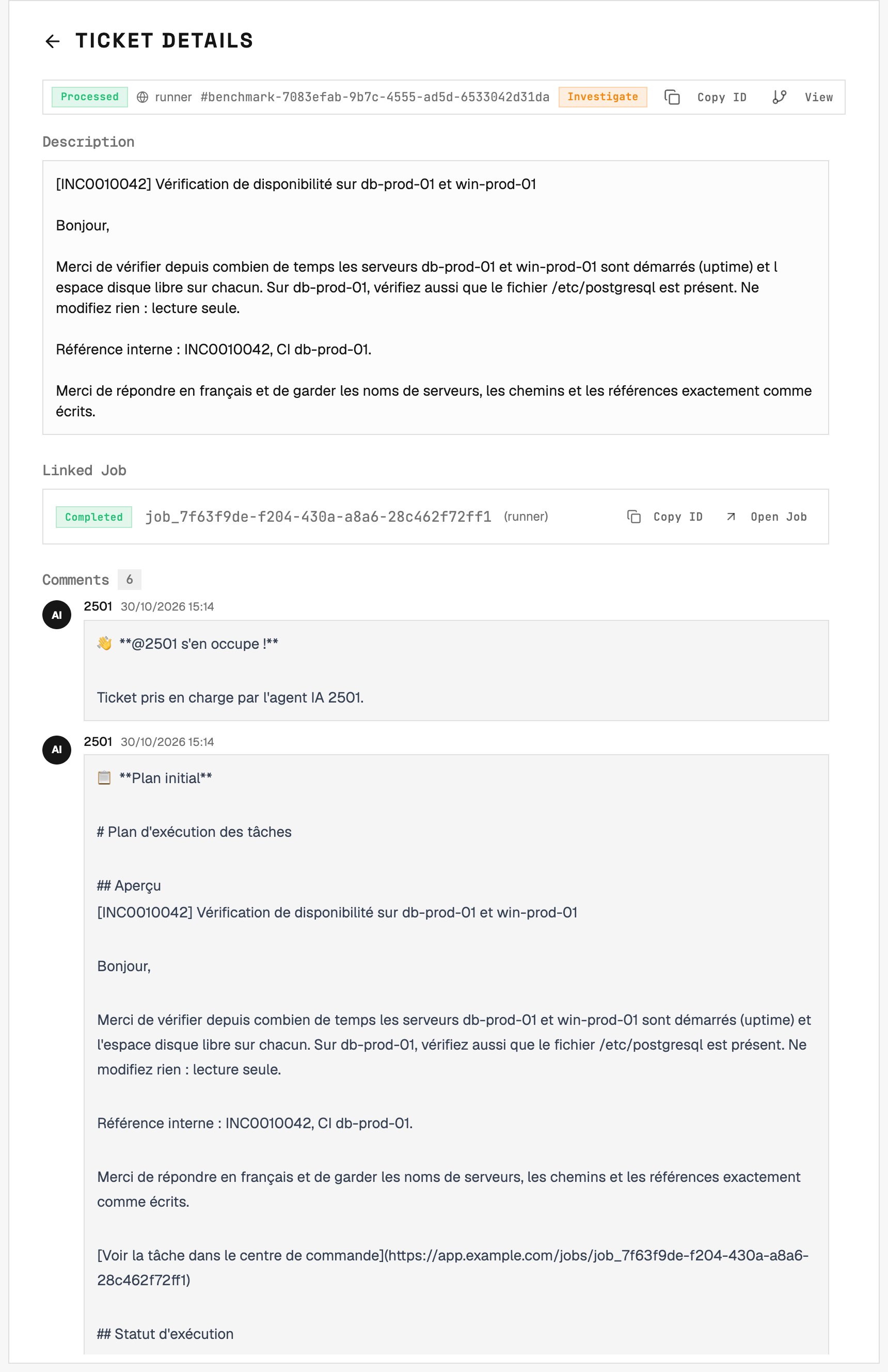
A benchmark Runner ticket shows its description, linked job and progress comments together.
Ticket → job → task
Visibility back to the ITSM
The gateway posts back at meaningful boundaries - never the full play-by-play:- Public comments with the plan, one comment after each turn of tasks, and the final outcome (success / partial / no-action explanation)
- Internal notes for hand-offs - an escalation, or a change that failed - visible to operators in the ITSM, not to the requester
Tags that change behavior
A few keywords in the ticket body or a comment change how the agent runs:
The latest mode tag wins; a comment without one does not clear it. If a mode tag arrives while the job is planning its next task, it discards the outdated proposal and replans before creating the task. A task already executing keeps its assigned mode.
See Agents → Execution Modes and Gateways → Working with Active Jobs.
Reopening a finished ticket
Once a ticket’s job has finished, two things bring the agent back:- An
@2501comment - an explicit re-request with new instructions. - Reopening the ticket in the ITSM - moving a ServiceNow incident back to New or In Progress (or updating it while it sits in one of those states) after the job finished. No mention needed: the platform notices that a person - not its own integration account - touched a ticket it considered done, and re-engages.