
What is a Task?
A task is a discrete assignment given to an agent, ranging from simple operations (“check disk space on prod-web-01”) to complex multi-step workflows (“deploy the latest application version and verify health checks”). Tasks represent the primary interface for directing agent behavior.Creating Tasks
Command Center UI: Open the agent, create a new task in the task box, and watch execution stream in real time. To run it later, select Schedule and pick the time. Times are in your tenant’s timezone, which the form names, and the Tasks list shows the scheduled time in that same timezone. Gateways: If gateways are enabled, tasks and jobs are created automatically from ServiceNow (the default gateway) or any custom-built gateway integrated for your tenant. Gateway-created tasks may be assigned directly to a specific agent or routed as jobs for multi-agent coordination. Interact with gateway jobs by commenting @2501 in the ticket - see Working with Active Jobs.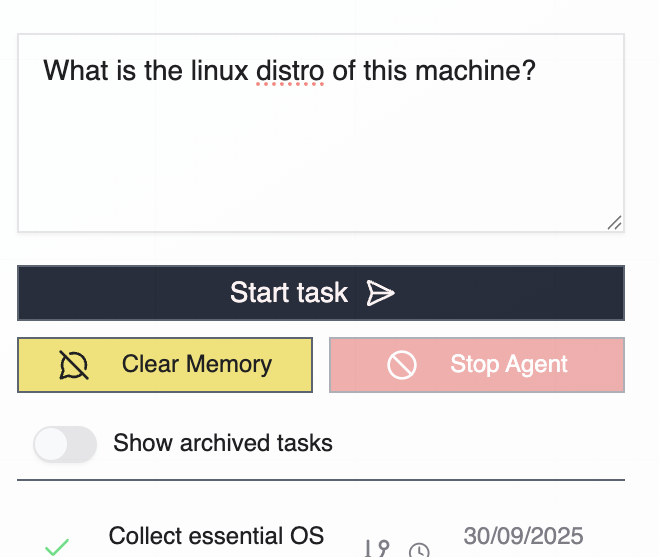
Task Lifecycle
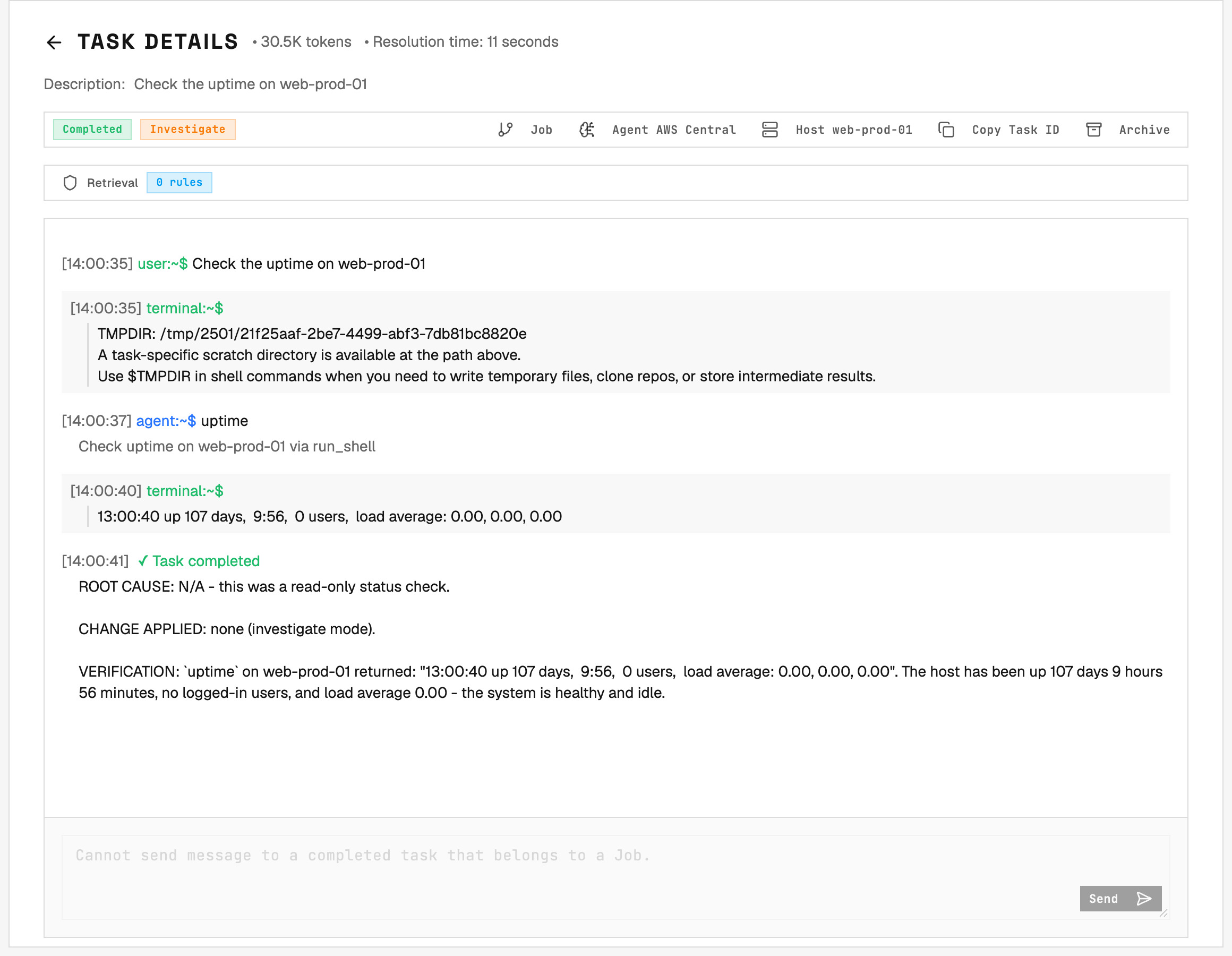
User Assigned: The task has been created and is waiting for its agent to pick it up. Planning: The agent reads the task and gathers what it needs about the target - the running system profile, the host’s rules and facts, the credentials and tools available to it - and decides its approach. The plan is not a separate review step; it is the agent’s first turn, and it shows up in the transcript as the commands it chooses. In Progress: The agent actively executes the task by running commands on target hosts, reading and modifying files, interacting with services and APIs, adapting based on outputs and errors, and logging all actions and decisions. Completion States: Completed: Task finished successfully. Objective achieved, all planned steps executed, results validated, and context retained for follow-up tasks. Failed: Task could not be completed due to errors during execution, operational constraints violations, unavailable resources, or agent escalation for human intervention.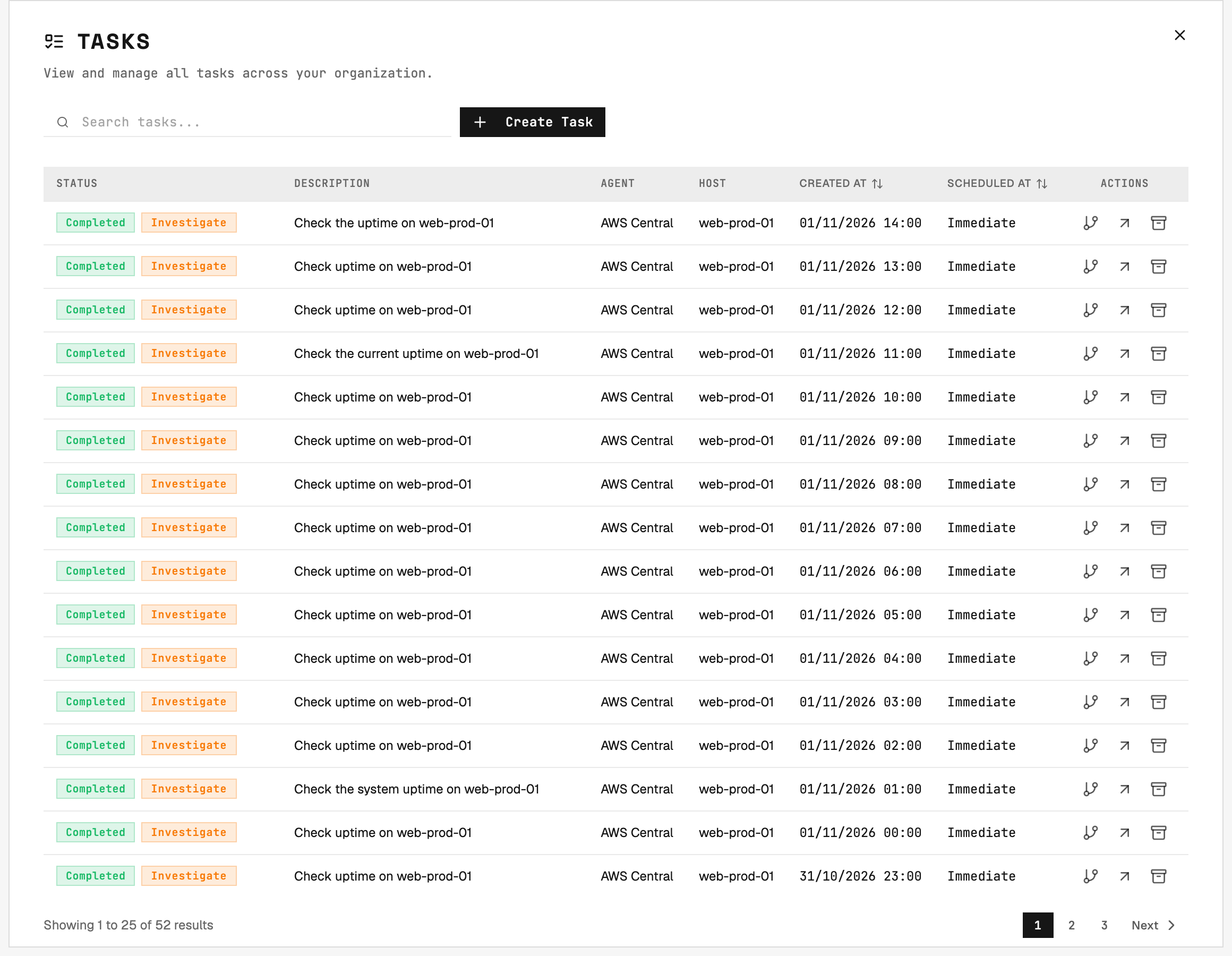
Tasks list: every task across the organization with its status (and when it is scheduled to run), its host and agent, the job it belongs to, and when it was created. Click a row to open the task.
Task Queuing
Tasks targeting the same host run one at a time. If multiple tasks are submitted to agents on the same host, additional tasks queue automatically and start when the current one finishes. This prevents conflicts from concurrent changes on the same system. The engine runs up to 50 tasks at the same time, one in each task slot. When all the task slots are in use, a new task waits in the queue. The next free slot goes to the job with the fewest tasks in the queue, so the task of a small job does not wait behind the tasks of a large job, also on a host they share. Jobs share 50 other slots, so when about 50 jobs wait for their tasks, a new job waits until one of them ends. A task of a job has 20 minutes from the moment it gets its slot: the time it waits in the queue does not count. A task that waits more than 6 hours for a slot fails. To change the number of task slots, setTASK_SLOTS (a whole number from 1 to 200) in engine.extraEnv of the configuration. The engine opens more database connections when it has more task slots: half of TASK_SLOTS, at least 10 and at most 40. With more than 80 slots, set DB_POOL_SIZE in engine.extraEnv too, and raise max_connections of your PostgreSQL so that it allows these connections and those of Command Center.
Task Limits
A job runs at most the number of tasks set in Max tasks per job in Settings > Tenant: 50 by default, from 1 to 1,000. A job that reaches it starts no more tasks, and ends partial if work is left. Your tenant’s license sets a tenant-wide cap on the total number of tasks (ad-hoc and recurring, lifetime). Without a license, a built-in free-tier cap applies instead. Task creation is blocked when the cap is reached or when the license has expired. See Licensing & Usage to view your caps and current usage.Task Summaries
When a task reaches a terminal state (completed or failed), 2501 generates a summary using the secondary engine. Summaries are concise (under 300 words) and include the task description, actions taken, results, and any resources manipulated or verified. Summaries include verbatim command output when the output is the meaningful result (e.g.,ps aux, df -h, kubectl get pods), preserving exact formatting rather than paraphrasing. When a command prints the same line many times in a row, even with changing timestamps or process IDs, the ticket shows that line once, as <line> (repeated 600 times over 59s). The rest of the output, including blank lines and order, stays as the host printed it. For gateway-created tasks, the summary is posted as a comment on the originating ticket, visible to all users.
Command Timeouts
Commands that take too long are handled gracefully. The agent receives a clean timeout message and retries with an adjusted approach rather than failing the entire task immediately.Task Monitoring
Tasks are monitored from Command Center. The task detail page streams agent messages, commands, and output in real time as the agent writes them - no need to refresh, and no need to wait for a status change to see what’s happening. The same page shows the execution timeline, command outputs, errors, and the agent’s reasoning trail.