

Main Engine
The main engine handles direct task execution on your systems: navigating filesystems, reading and modifying files, interacting with services via CLI or MCP, executing commands, and managing configurations. This engine does the computational heavy-lifting and requires large context handling, high accuracy, and precise function calling. It typically consumes the most tokens due to the substantial context needed for reliable execution.Secondary Engine
The secondary engine handles orchestration and oversight to improve main engine accuracy.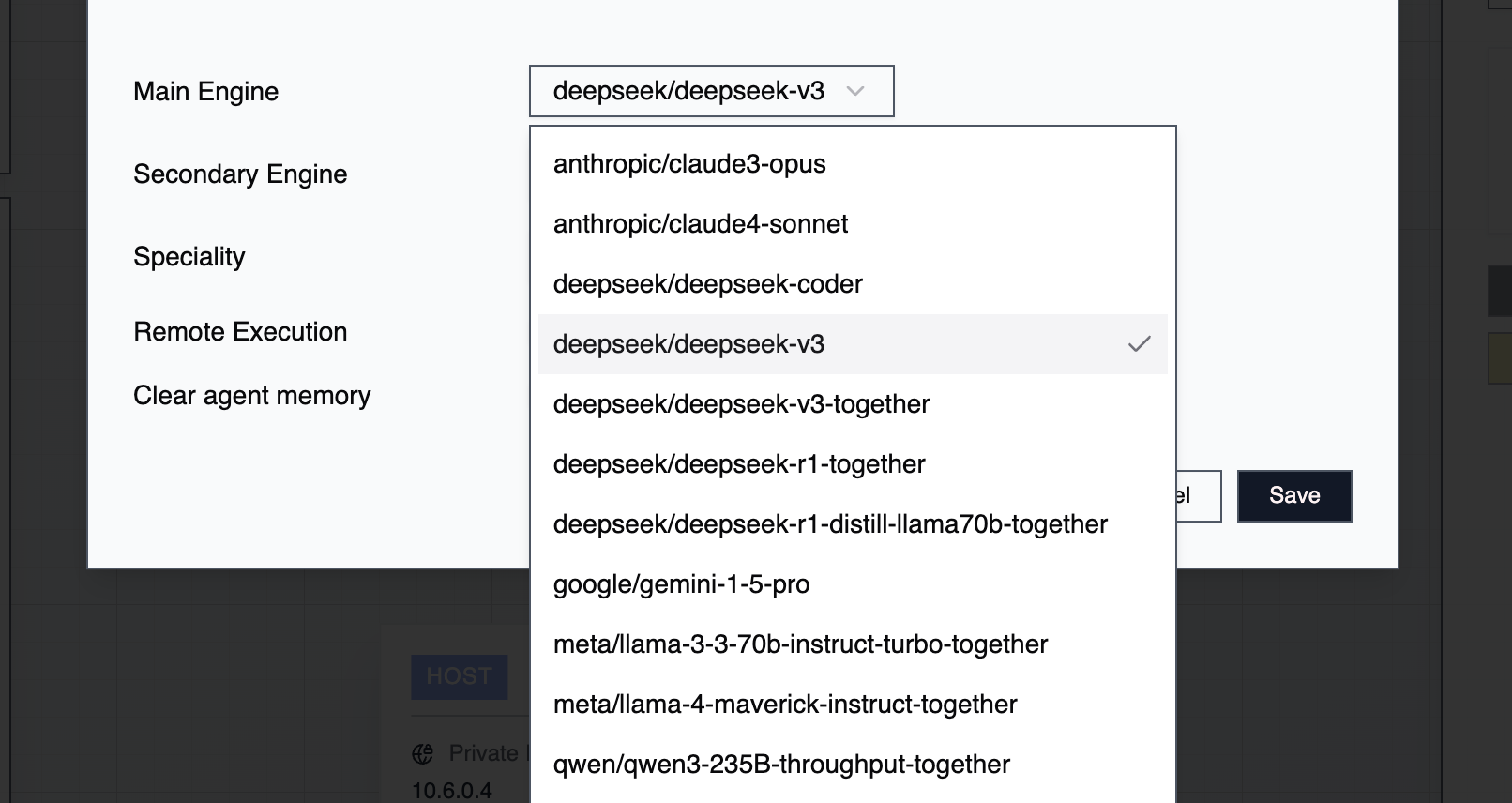
Context Length
Different LLMs handle varying context sizes with different reliability levels:
Larger context windows reduce hallucinations when processing extensive data but cost more tokens. Check your inference provider’s docs for specific model context limits.
Task Archiving
Archiving removes task history from an agent’s context window, preventing overflow without reinitializing the agent. Archive all tasks: Select your agent → Clear Memory Archive individual tasks: Open the task → Archive Task View history: Default view shows current tasks. Toggle Archived Tasks to review cleared history. When approaching context limits but needing to preserve specific context, archive only unrelated tasks while keeping relevant history intact.Modifying Engines
You can change engines without completely reinitializing your agent:- Right-click the agent → Edit Agent
- Choose new engines for main and secondary roles
- Optionally clear task history, update the agent’s specialty, or modify credentials
Engine Availability
Engine configurations are managed at the tenant level and available across all organizations. Any agent in any organization can use any configured engine.Best Practices
Match engines to your workload—use higher-context models for complex, file-heavy operations. Monitor token usage to optimize cost versus performance, and test different main/secondary pairings for specific use cases. Archive proactively rather than waiting for context limits. Clear irrelevant history regularly. Document which engine combinations work best for different task types, and balance model power against operational expenses based on task criticality.New Models in 0.4
The following models have been added in the 0.4 release:- Nvidia Nemotron 3 Super 120B — available via OpenRouter (262k context) and CloudTemple (130k context)
- Devstral Small 2 24B (via CloudTemple, 128k context), Devstral Medium (via OpenRouter, 131k context), Devstral 2 (via Mistral, 256k context)
- Qwen3-Coder 30B (via CloudTemple, 28k context), Qwen3-Coder 480B (via Azure OpenAI, 128k context)