

Viewing the catalog is open to any tenant user; only tenant-level users can add, edit, or delete providers. See Users & Organizations.
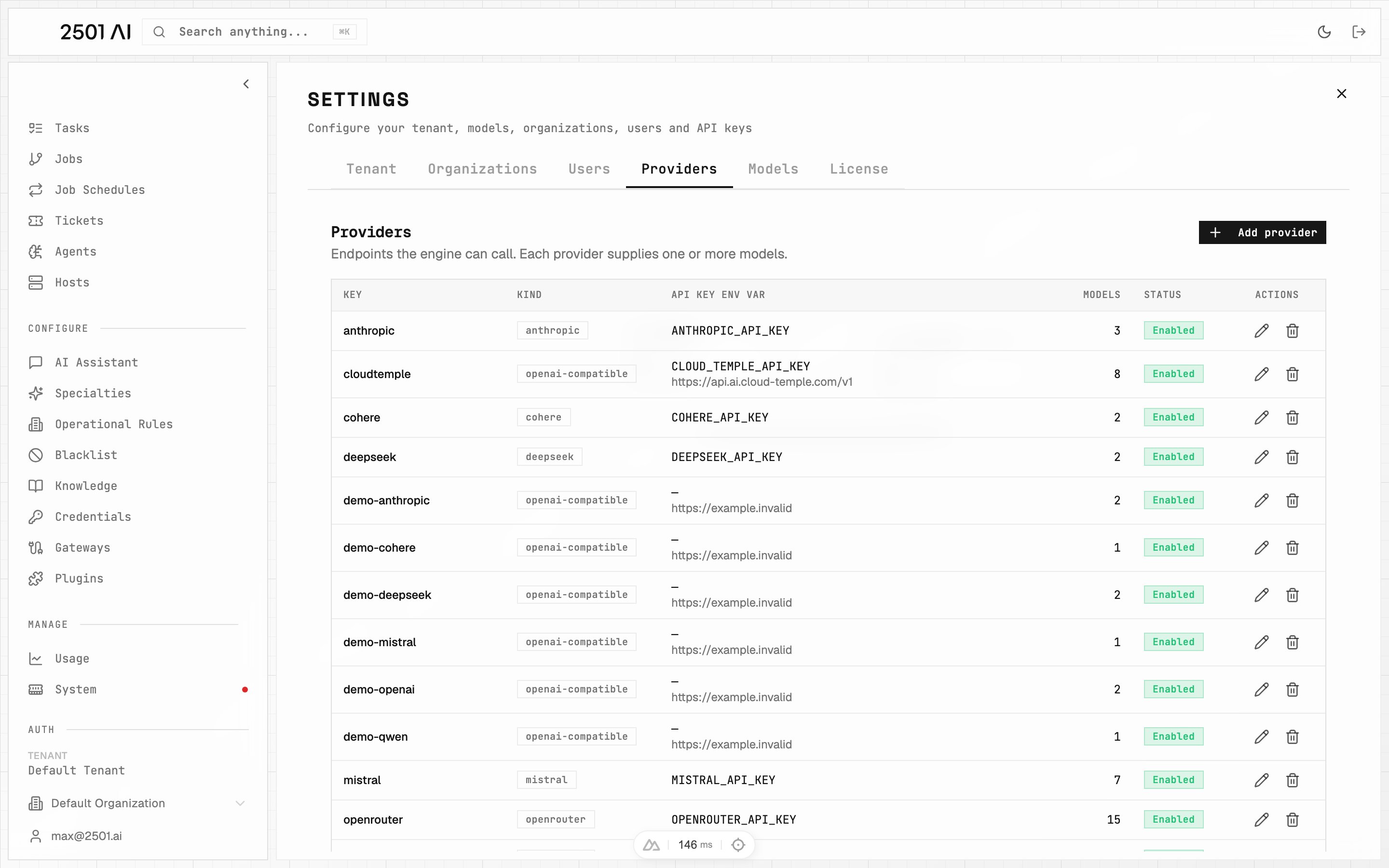
Settings → Providers: each row is an endpoint the engine can call.
Fields
Provider types
Use a compatible type to register a self-hosted model server (vLLM, Ollama, LM Studio) or any vendor exposing an OpenAI- or Anthropic-style API.
Adding a new endpoint of an existing type is pure configuration. Adding a brand-new type (a vendor with its own API shape) requires a 2501 release — contact your Account Executive.
API key resolution
The API key is resolved at runtime in two steps:- 2501 looks for a Credential matching the API Key Var Name — for an org-scoped provider, one scoped to that organization first, then a tenant-wide one; for a tenant-wide provider, only a tenant-wide credential.
- If none exists, it falls back to an environment variable of the same name on the engine.
Providers that do not need a key (e.g. a self-hosted model on a private network) can turn off Requires auth.
Azure settings
For theazure type, two extra fields appear:
Azure API Management (APIM) gateways are supported as the endpoint: set the Base URL to your APIM gateway URL to route model traffic through it for centralized policy, rate limiting, and logging.
Deletion rule
A provider that still has models cannot be deleted. Remove or reassign its models first, or simply disable the provider instead.