

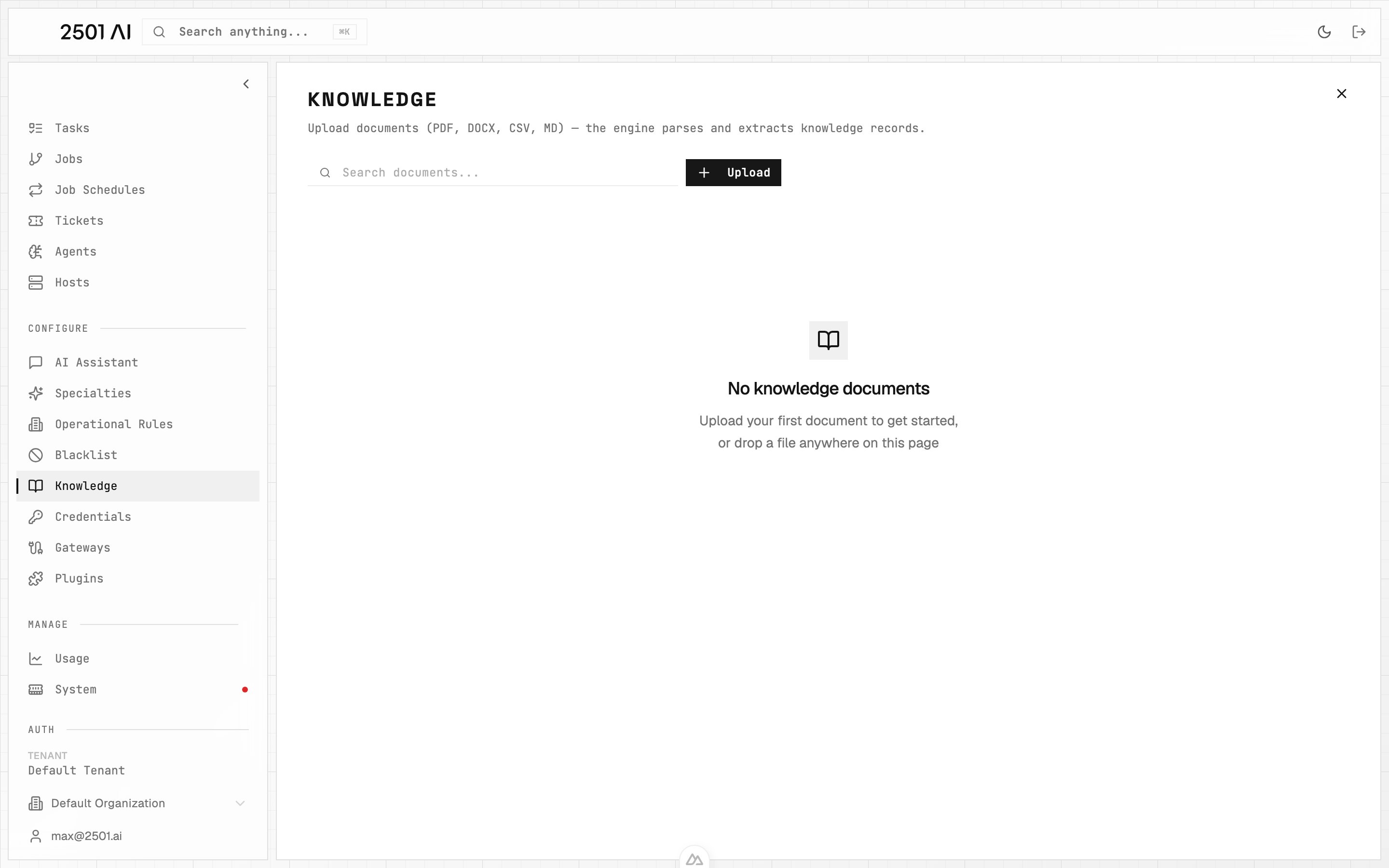
Knowledge: drag and drop files onto the page or use the Upload button. Each document is processed as its own ingest job.
Uploading Documents
Drag and drop files onto the Knowledge page, or use the file picker to select one or more documents at once. Each file is processed as its own ingest job. Supported file types: PDF, DOCX, CSV, and Markdown. Maximum size: 200 MB per file.When you upload several files together, each one becomes a separate ingest job with its own status. Documents are processed two at a time per organization, in the order you uploaded them, and the rest queue and start as slots free up. A step that runs too long is automatically timed out so the queue keeps moving.
Processing Status
Each document shows its live status as it moves through the pipeline:
You can cancel an in-progress ingest at any time, or delete a document once it is done.
What Gets Extracted
From each document the engine extracts three kinds of knowledge:- Operational rules, directives that guide agent behavior. These appear alongside any rules you create by hand. See Operational Rules.
- Blacklisted commands, forbidden commands that agents must not run. These appear alongside your manually created entries. See Blacklist.
- Per-host facts, details about specific machines, such as roles, IPs, VLANs, and procedures tied to a host.
How Host Facts Are Matched
Host facts are matched to machines in your inventory by name, IP, or alias. When a fact maps to a known host, it is attached to that host. Facts that cannot be matched to a known host are still kept so you can review them and reconcile them with your inventory later.PDF Vision Captioning
Network documentation often lives in diagrams rather than text. When a multimodal (vision) model is configured for your tenant, the engine describes images embedded in PDFs, along with diagram and scanned pages, and folds those descriptions into the extracted content. This means topology, IP addresses, and VLANs drawn in diagrams are captured rather than lost.Without a vision model configured, PDFs are processed as text only. Diagrams and scanned pages will not contribute their visual detail to the extracted knowledge.