

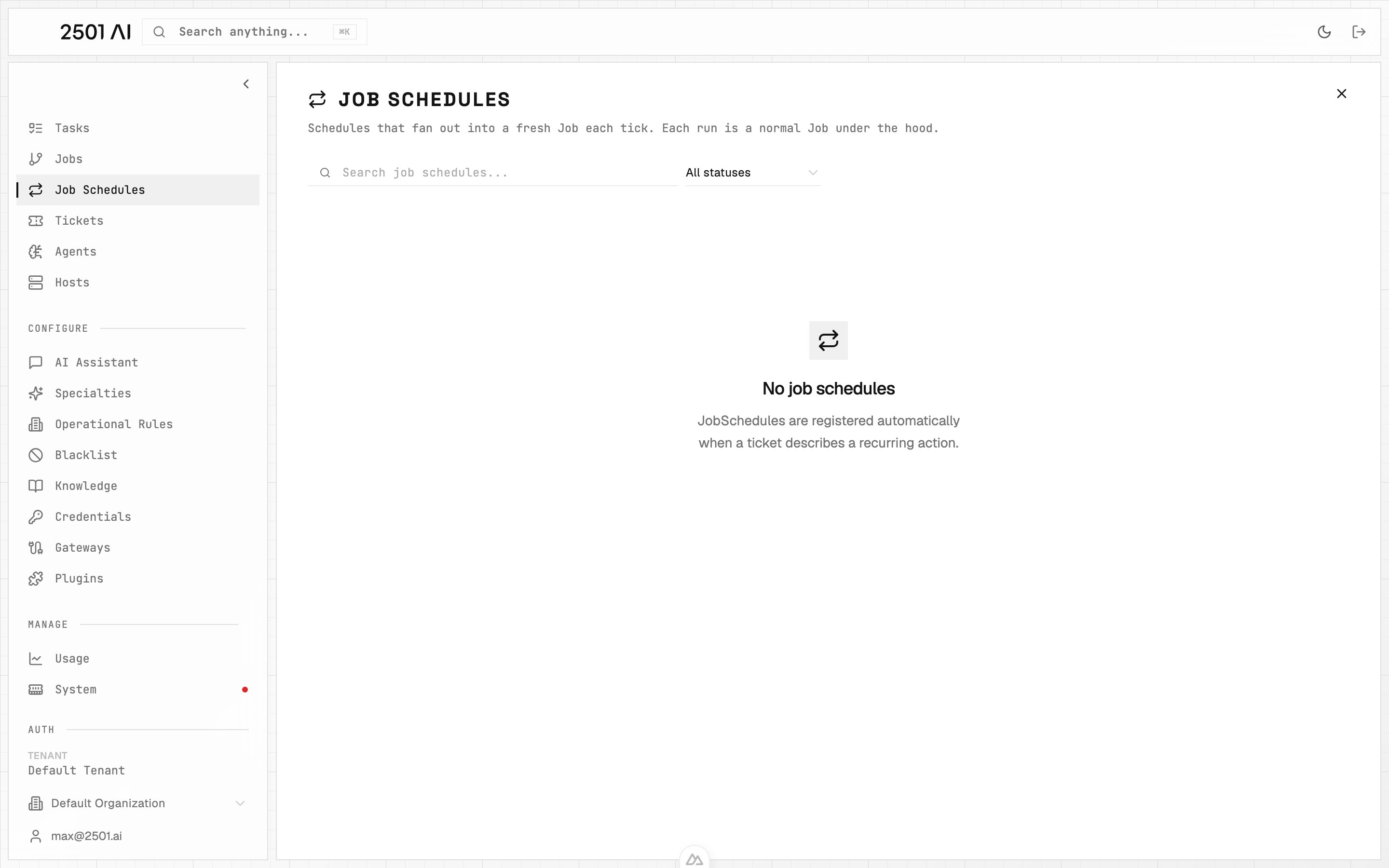
A Job Schedule registers a recurring cadence. When a ticket asks for work on a repeating schedule — “check disk space every Monday at 09:00”, “every 15 minutes” — 2501 doesn’t run the job once; it registers a schedule. Each tick spawns a fresh Job that follows the normal lifecycle. Schedules are managed under Job Schedules in Command Center.
Job Schedules

How a schedule is created

Schedules are registered automatically when an incoming ticket describes a recurring action. The gateway detects the cadence in the ticket text and creates the schedule instead of a one-off job. You don’t create schedules manually in Command Center. The action of “make this recurring” comes from the ticket itself — usually a comment or a description like “run this every Monday morning”.

What you see for each schedule

FieldWhat it shows
CadenceThe interpreted schedule (e.g. “weekly, Mondays at 09:00 UTC”)
Source ticketThe original ITSM record that introduced the schedule
Next runWhen the next Job will spawn
Run historyThe Jobs that have fired from this schedule so far, each with its own status
Statusactive or cancelled

Managing a schedule

  • Pause / stop a schedule from its detail page. Stopping it cancels future ticks but does not affect Jobs already in flight.
  • Re-activate is not currently surfaced — to “restart” a schedule, comment on the source ticket and let the gateway re-register.
  • Edit cadence is also driven from the source ticket; comment on the ticket to change the schedule and the gateway will reinterpret.

Interval flooring

Very fast intervals are floored to 5 minutes in production. Asking for “every minute” registers as “every 5 minutes”. This protects the agent fleet from runaway schedules and matches what realistic remediation cadences look like.

License interaction

Scheduled jobs count against the same task cap as ad-hoc jobs. The cap is a lifetime tenant total — see Licensing. If the tenant has reached its cap when a tick fires, that tick skips rather than queues. The schedule itself stays active; the next tick will try again once headroom exists.