

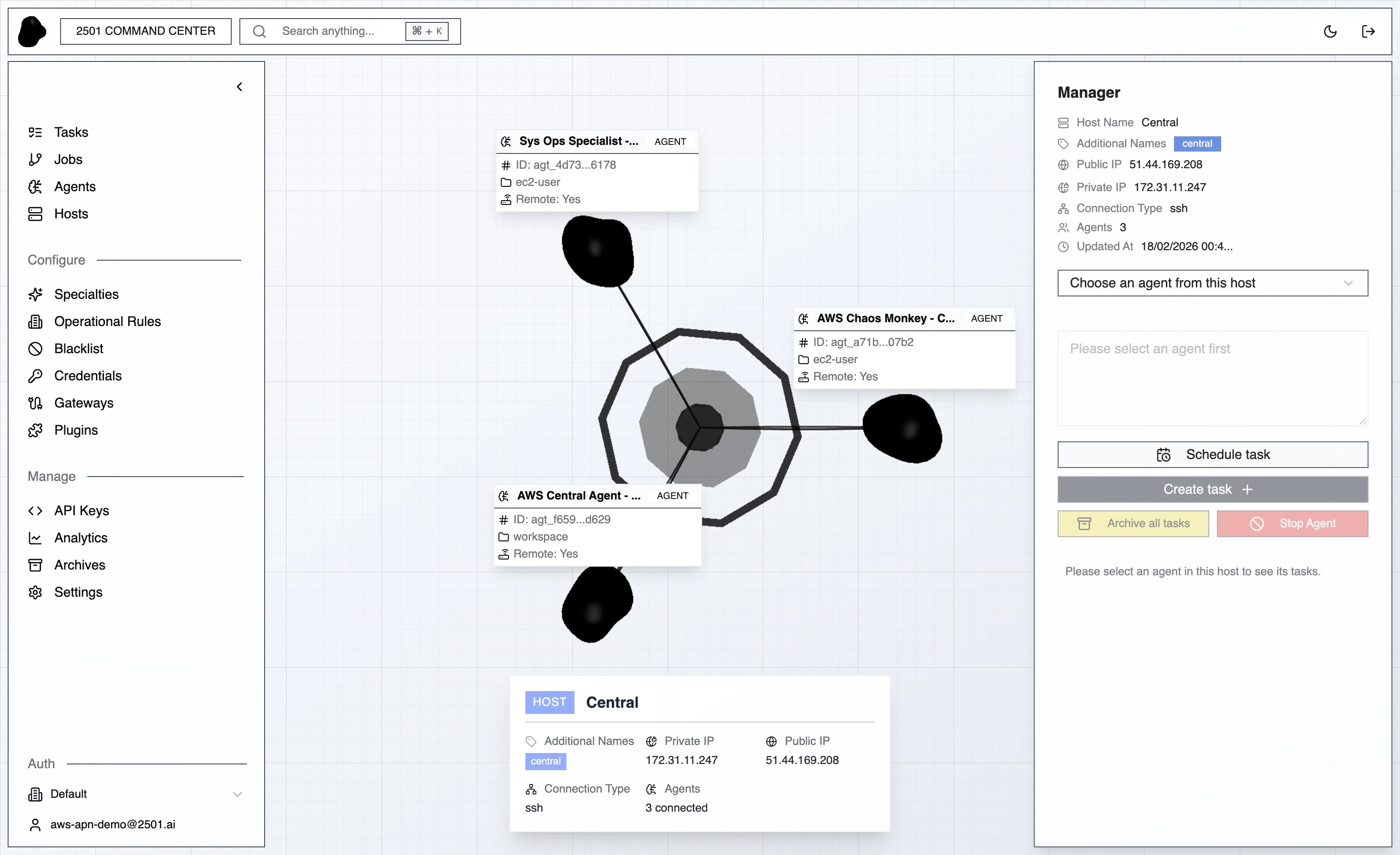
Sidebar map
The sidebar groups pages by purpose. Each item below links to the concept page for the full reference.Tenant and organization
The sidebar footer shows the read-only Tenant name above the organization picker and your signed-in user. There is one tenant per on-prem install; the picker switches between organizations within that tenant.AI Assistant
A chat interface for working with your platform in natural language. Open it from AI Assistant in the sidebar. It can look up tasks, jobs, tickets, hosts, agents, gateways, knowledge — and make changes such as adding an operational rule or a blacklisted command.- Reads run automatically. Lookups happen without interruption.
- Writes need approval. When the assistant wants to create, update, or delete a resource, it pauses with approve / reject buttons. You can mark individual tools as auto-approve.
- Scoped to your org. Conversations belong to the organization you have selected.
- Credential secret values are never shown in assistant output.
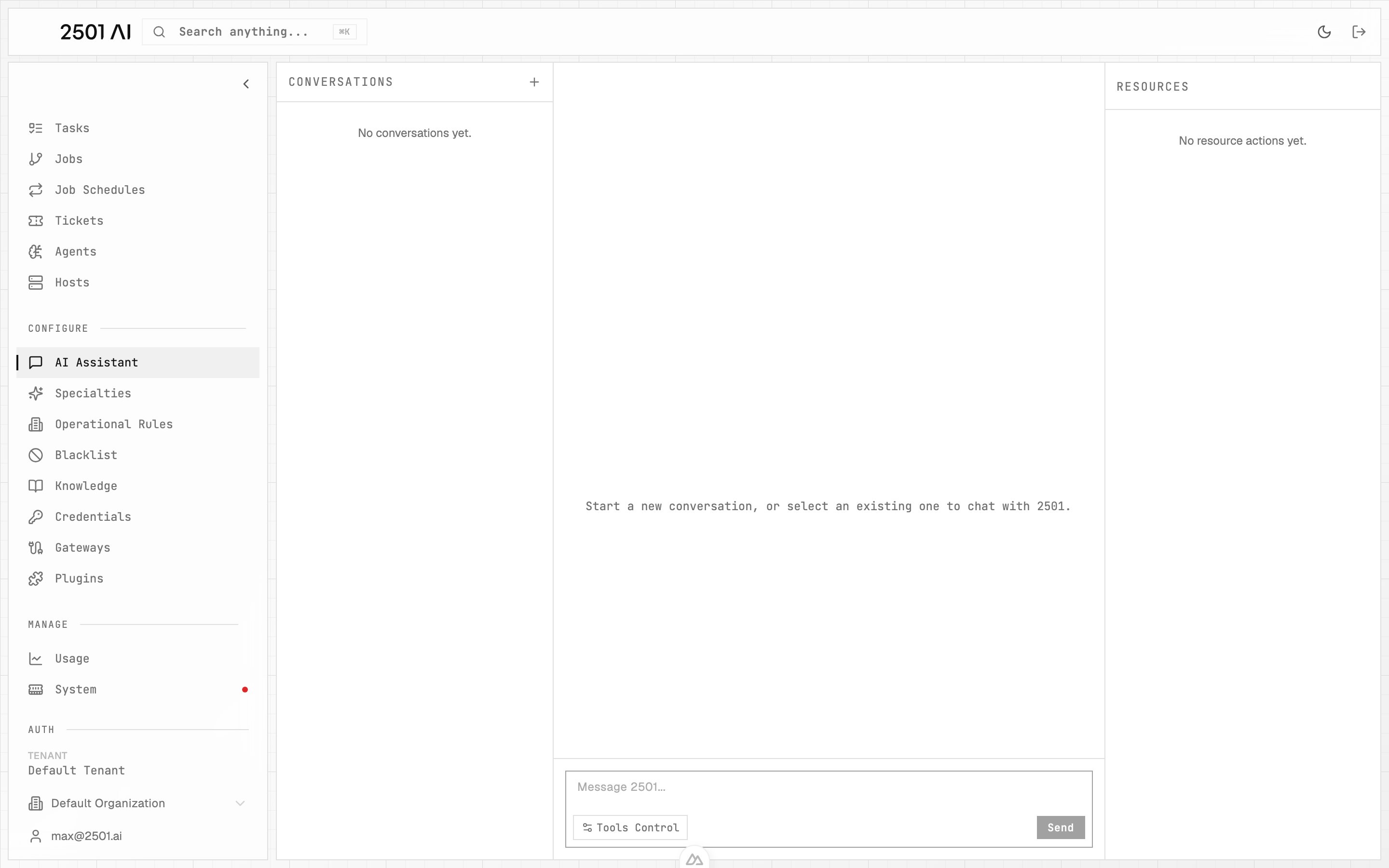
AI Assistant: conversations on the left, the active chat in the center, and resources the assistant touched on the right.
Analytics surfaces
Usage
Plan caps + LLM cost and token activity over time.
Benchmarks
Pass rate, compliance, and trends from scenario runs.