

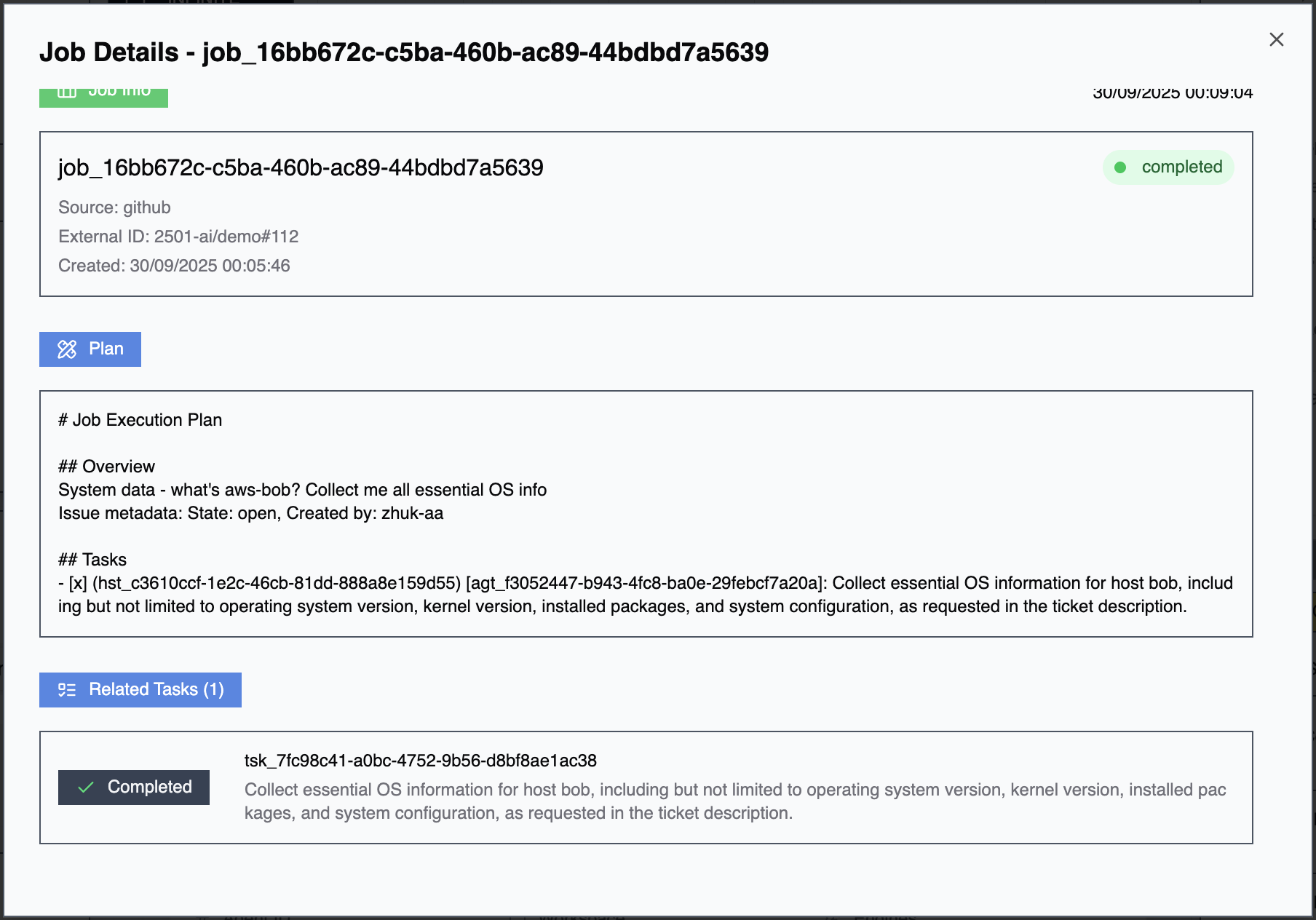
A job coordinates multiple related tasks across one or more agents. Jobs enable complex operations that require multiple agents (different specialists handling different aspects), sequential execution (tasks that depend on prior completion), parallel operations (simultaneous execution across multiple hosts), or complex workflows (gateway-generated work split into coordinated subtasks).
Jobs are primarily created by Gateways when integrated systems generate work requiring multi-agent coordination (e.g., one agent provisions infrastructure, another deploys applications), host fleet operations (e.g., rolling updates across multiple servers), or dependency chains (e.g., database migration must complete before application restart).Jobs can also be created manually through the Command Center UI for orchestrating complex operations.
When a gateway creates a job, it decomposes the task by splitting complex work into individual tasks. Each task is assigned to the appropriate agent based on specialty alignment, host accessibility and credentials, and agent availability and workload. Tasks execute according to dependencies—sequential tasks wait for predecessors to complete while parallel tasks execute simultaneously where possible. Job status reflects aggregate task states.
Jobs are visible only through the Command Center UI, showing job overview (status, progress, completion percentage), task list (all tasks within the job with individual states), and execution timeline (when tasks started, completed, or failed).
When viewing a task in Command Center, tasks linked to a job display the job identifier. Navigate to the parent job to see all related tasks and understand the broader context within the workflow. This visibility helps troubleshoot multi-task operations by understanding which tasks succeeded, failed, or are pending.
Job Tasks Not Coordinating: Review job configuration and task dependencies. Check agent availability and workload. Verify each agent has appropriate credentials and access. Examine individual task failures that may be blocking downstream tasks.For advanced task orchestration through integrations, see Gateways. For agent configuration affecting task execution, see Agents, Specialties, and Operational Rules.